What's a 3D scan? Top 5 Best 3D Scan Software for PC 2026
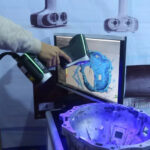
3D Scan Software is a key factor in the transition of data from physical objects to 3D digital models. While the scanners are only responsible for the acquisition of the original data, the new software is the tool of processing, reconstructing and optimizing the model to serve the design, testing the product or print 3D.
Currently, 3D scan technology is being widely applied in many areas such as mechanics, construction, medical and industrial design. This makes the need to learn more and more about the 3D scan software, especially the PC running solutions with strong processing and high accuracy.
In this article, we're going to look at what the 3D scan software is, how the top 5 and the top 5 best 3D scan software for PC in 2026, help you choose the tool that fits the practical demand.
What's a 3D scan?
The 3D scan software is the tool for handling and converting data collected from the real world into 3D models on computers. The input data may come from a dedicated 3D scanner or from the image via photogrammetry. After receiving data, the software will take the processing steps to recreate the object's geometry in digital form.
In the 3D scan process, the hardware only assumes the initial recording of information, while the software is the determining factor in the output quality. If the data is not properly processed, the 3D model may be noise, lack of detail or geometry error. So choice of appropriate software plays an important role in ensuring the accuracy and application of the model.
Not only does it stop at remake the shape, the current 3D scan software integrate many advanced features such as smoothing the surface, removing noise, modifying data and optimizing models. These tools help to transform raw data into complete products, ready to use in design, production, or 3D printing.
3D Scan Software Activity
To better understand the role of the 3D scan software, you need to look at the process of data processing from collecting until you create the complete model.
Collect data from reality
The process begins by recording the object's geometry. If you use a 3D scanner, the device will apply structural light technology or lasers to scan the surface. In the case of the use of photogrammetry, the data was generated from multiple photographs in different angles.
The quality of the input depends on many factors such as environmental light, object surface properties and data acquisition. This is the key platform for the entire rear processing process.
Create point point cloud
After collecting the data, the software will convert the information into the point of the net. This is a set of points in three-dimensional space, expressing the base position and shape of the object.
Point Octopus may contain millions of data points, but has not yet made the complete surface clear. It acts as a intermediate step to build 3D models.
Recreate the mesh surface
From the point cloud, the software goes on to build the mesh by connecting the points together into the triangle grid. This is an important step that makes the model visual and possible use.
During this process, the software also performs operations such as noise filtering, smoothing the surface and filling areas lacking data. The mesh quality depends heavily on the processing algorithm.
Edit and merge data
In many cases, an object needs to be scanned multiple times to collect sufficient details. The software will adapt and put the data together into a complete model.
The correct adaptation helps to ensure that the model is not distorted or distorted. This is an important step in the projects requiring high accuracy.
3D Export
After completion of processing, the model will be exported out of common formats such as STL, OBJ or PLY. These formats can be used in CAD software, in 3D or other applications.
3D Scan Software Category
The 3D scan software can be classified based on data processing and the purpose of the use.
photogrammetry
This is the software group using the photo to recreate the 3D model. Users just take multiple photos from different angles, then the software will process to remake the object.
This method has the advantage of not needing special equipment, but requires that the head image enter high quality to ensure accuracy.
Data processing program from the scanner
The group was designed to work with data from 3D scanners. They focus on the processing of the point cloud, building the mesh and optimizing the model.
This is a popular choice in industries, which requires high precision and professional work processes.
CAD integrated software
Some 3D scans have the ability to integrate with CAD, allowing the scan data to be converted into modified engineering models. This is very useful in referse engineering and product design.
Top 5 Best 3D Scan Software for PC 2026
The following are typical software commonly used on computers, suitable for various needs.
Agisof Metashape
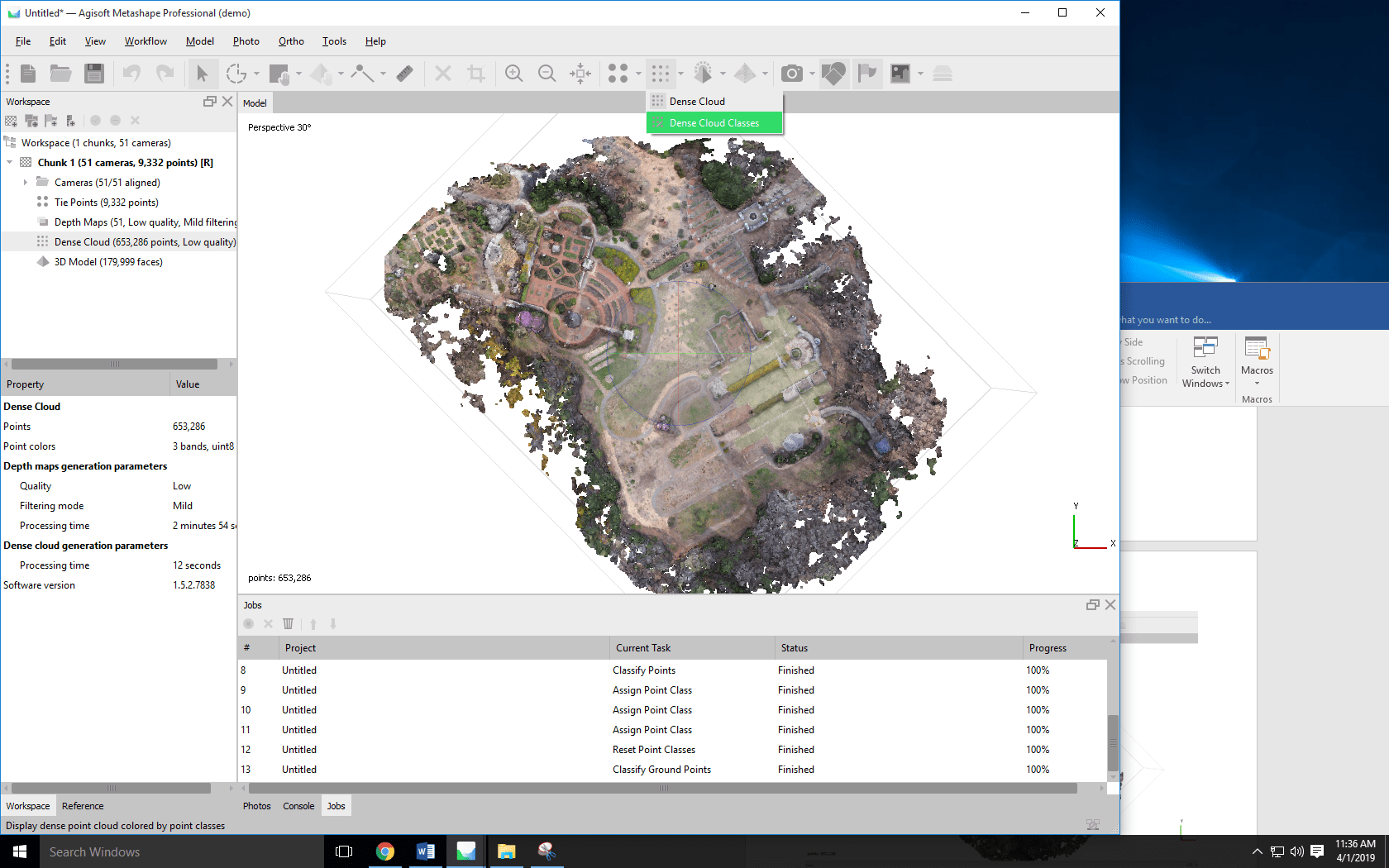
Agisoft Metashape is the dominant software in the field of photogrammetry, which is widely used in surveys and maps. It allows for the creation of 3D model with high accuracy from the photo data.
The software assists in creating dense, data processing point. This is the right option for the project requiring high level of detail.
3DF Norfolk
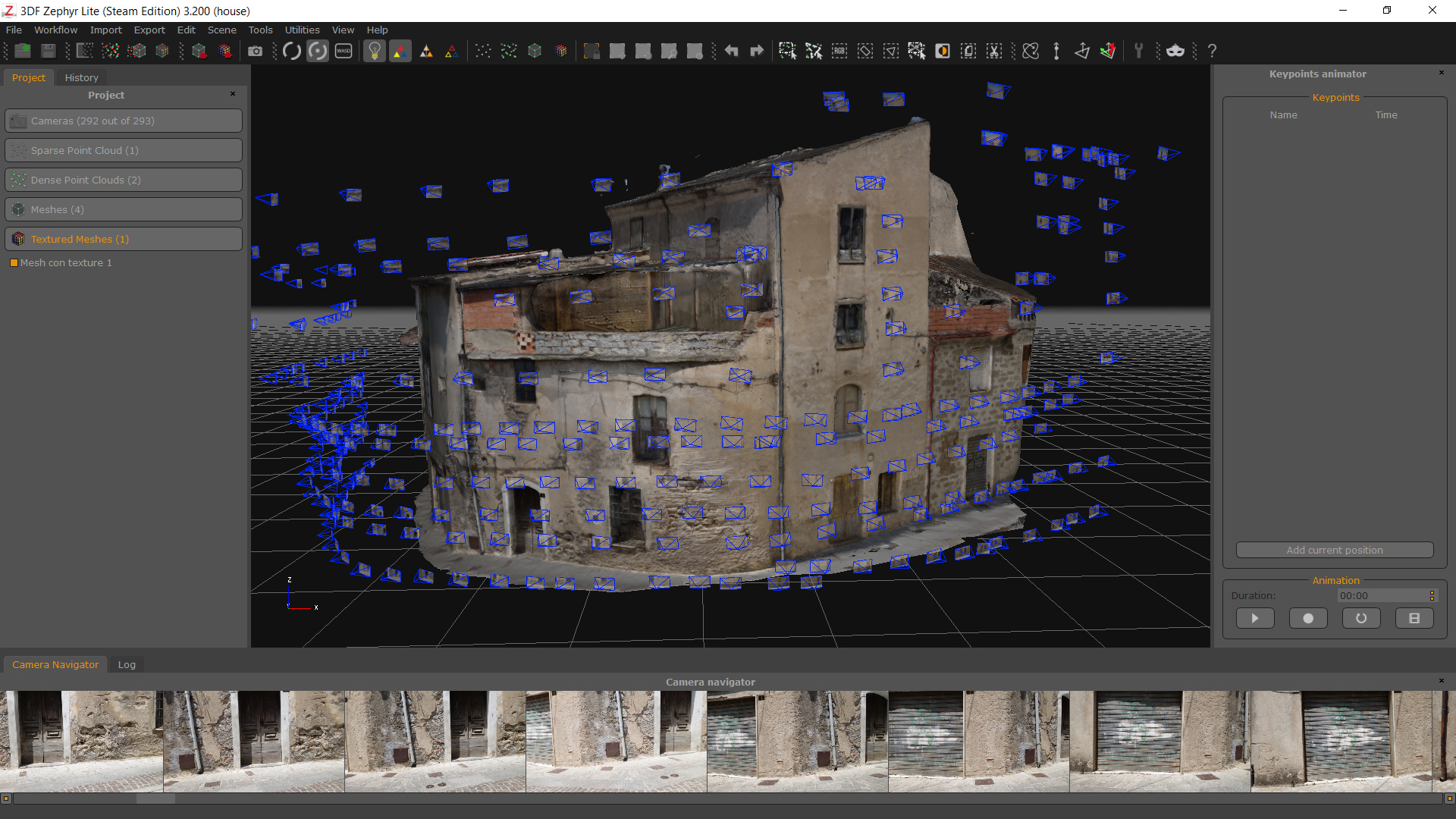
3DF Norfolk is flexible software, supporting both new and professional users. It offers many basic to advanced processing modes.
The software is capable of reconstructing the precise 3D model, at the same time allowing mesh edits and texture to live.
Autodesk 123D Catch
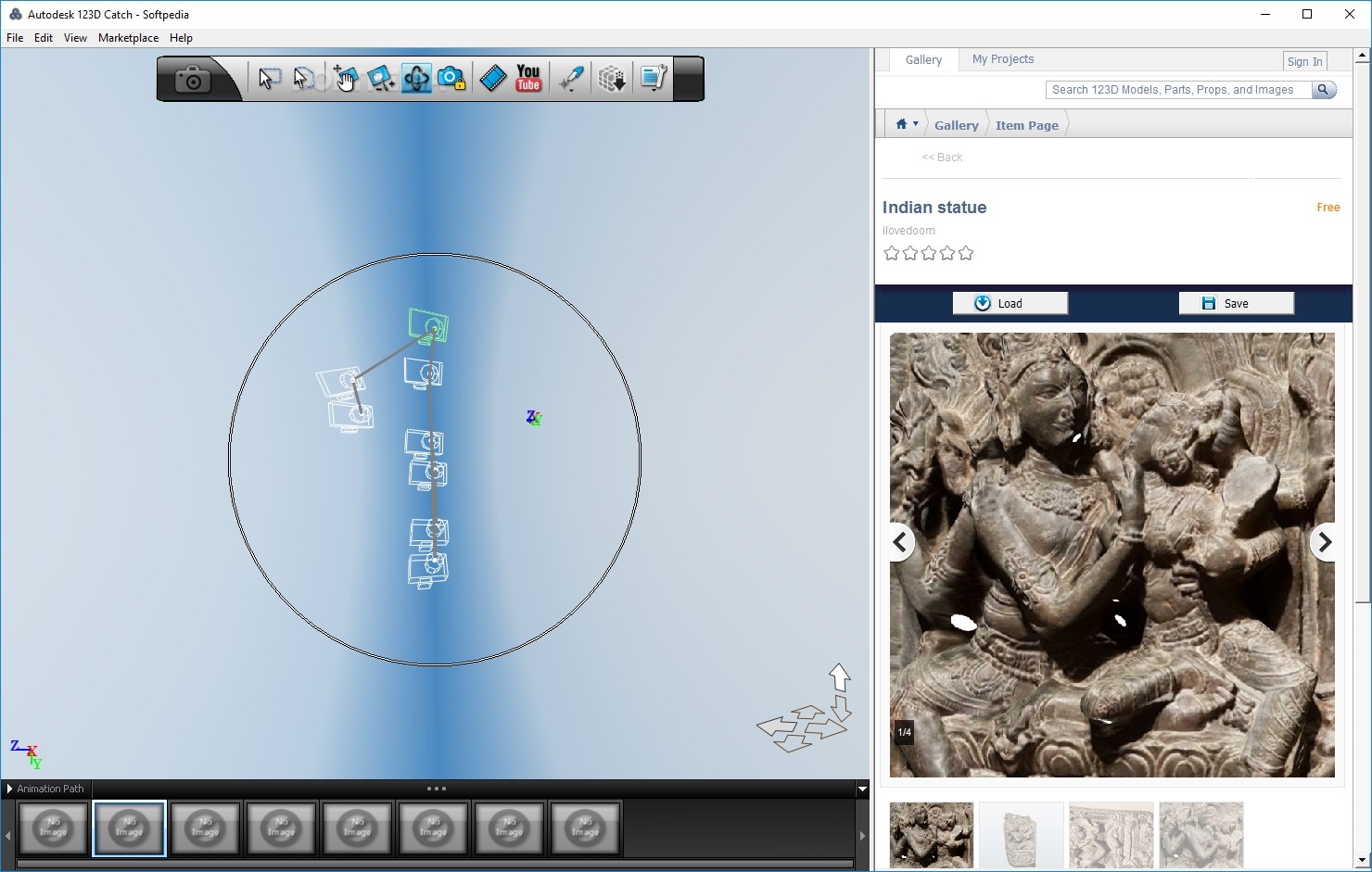
Autodesk 123D Catch is a simple, suitable tool for universal users. It allows for the creation of a 3D model from the image without a strong machine configuration.
Although no longer highly developed, this software remains an easy choice for new people.
VisualSFM
VisualSFM is an open source software using Structure algorithm from Motion to build 3D models. It suits users with technical knowledge and research projects.
The software is capable of creating the detailed point of point, but needs to combine with other tools to complete the model.
COLMAP
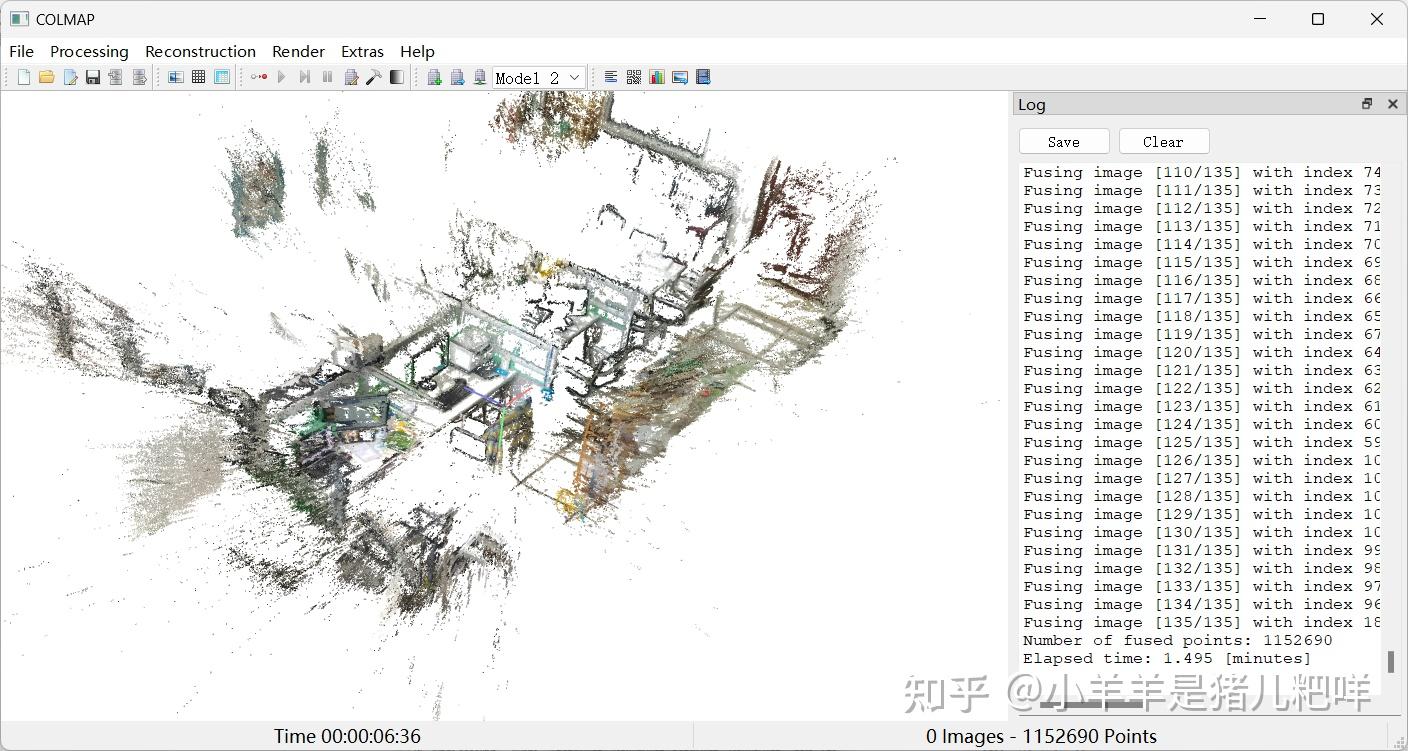
COLMAP is a powerful tool, striking with fast data processing capabilities by GPU. It is often used in large and intensive projects.
The software has the ability to automatically identify the image features and recreate the model with high precision.
Application for 3D scans
The 3D scan software is applied in various fields. In production, it helps test the wrong number and ensure the product quality. In the design, it supports reconstruction and product improvement.
In addition, the technology is used in construction, health, games, and many other industries. Due to fast and accurate digitalization, 3D scans became increasingly important tools.
Matched 3D Scanr Experience
When selecting 3D scan software, it is required to specify the purpose used. If only learning or testing, free software is the logical choice. If you work professionally, select strong processing software.
Computer configuration is also a factor to consider. Some software requires strong GPU to function effectively. In addition, the integration capacity with other tools also helps to optimize the work process.
Conclusion
The 3D scan software plays a core role in the whole process of digitalizing the object, from raw data processing to fully reconstructing the model with high accuracy. The correct choice of software not only enhances model quality but also optimizes time and performance in practical applications such as design, product testing, or 3D printing.
However, in order to maximize the efficacy of the 3D scan software, association with the appropriate hardware equipment is indispensable. A synchronization system between the scanner and the software will help ensure accurate input data, from which to enhance output quality.
If you're looking for a 3D scan solution suitable for business or personal needs, DETSA provide a variety of 3D scanners along with an accompanying software solution, supporting from consultation to actual development. The engineering team will help you to select the appropriate configuration, ensuring long-term performance.