Pillowing in In 3D: Cause of Revival Revival
What is Pillowing in 3D print?
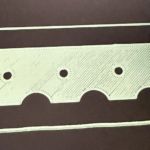
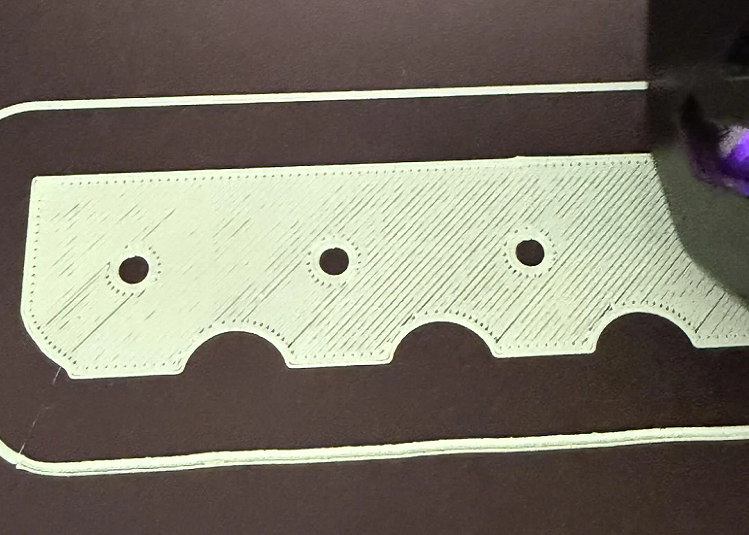
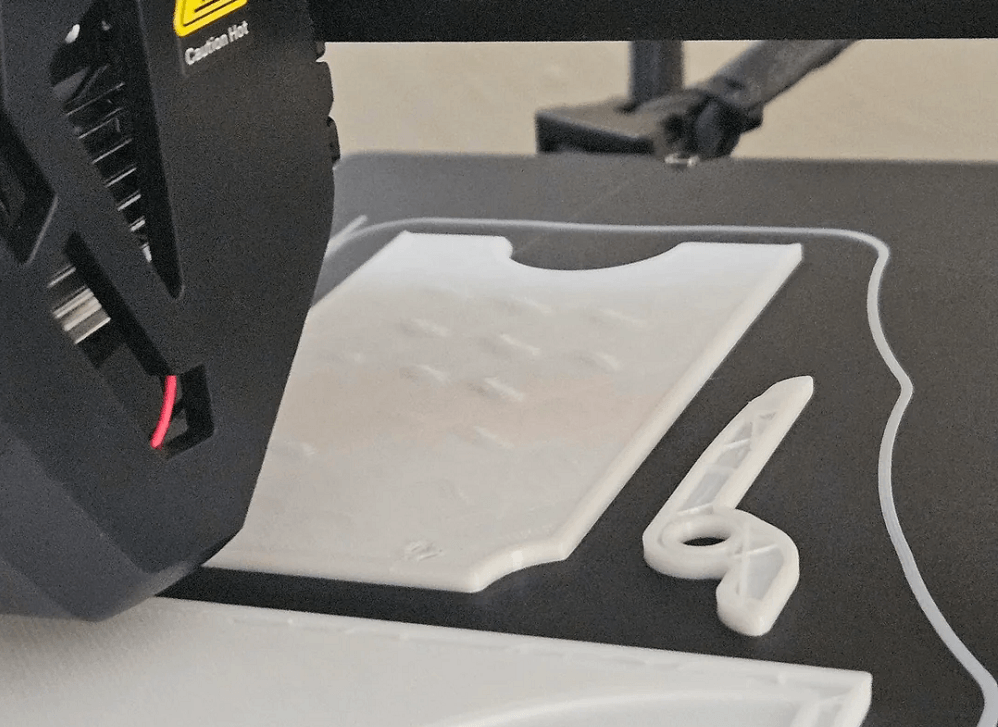
Pillowing in 3D printing is a surface error when the top layers of the print look rough, swollen or not copper instead of smooth. This occurs when the upper layers do not have sufficient support, causing the hot plastic to get a slight hammock down to the gaps of the infill before being cold. As a result, the surface may look like small pillows or cotton flowering, which is also why the error is called pillowing.
Common signs of pillowing include:
- The upper surface is irregular or wrinkled
- There appear to be concave or blisters on flat areas
- Can see the infill flower through the upper layer
- Raw surface or dissimilar surface
Pillowing often appears on large flat surfaces, such as caps, boxes, or decorative panels.
Caused pillowing in 3D
Pillowing is almost always the result of the imbalance between the temperature, cooling and the foundation on which the upper layers are being printed. Here are the most common causes.
Cooling isn't enough.
As the printing press forms the top solid layers above the infill section, the plastic needs to be cooled and frozen fast to be able to bridge over the gaps. If the cooling fan does not blow strong enough or the environmental temperature is too high, the plastic will keep the melting state too long.
Instead of straining regularly through the void, the heat from the heat table and the print head caused soft plastics to bend up at the edges of the infill line, creating rough notes.
The top number is too few
One of the biggest causes of pillowing is that the top layer thickness is not enough. The top classes need enough materials to fully cover the infill structure below. If only a few layers were available, the plastic fiber would be stretched through the gaps of the infill and suffered a slight hammock before it could cool.
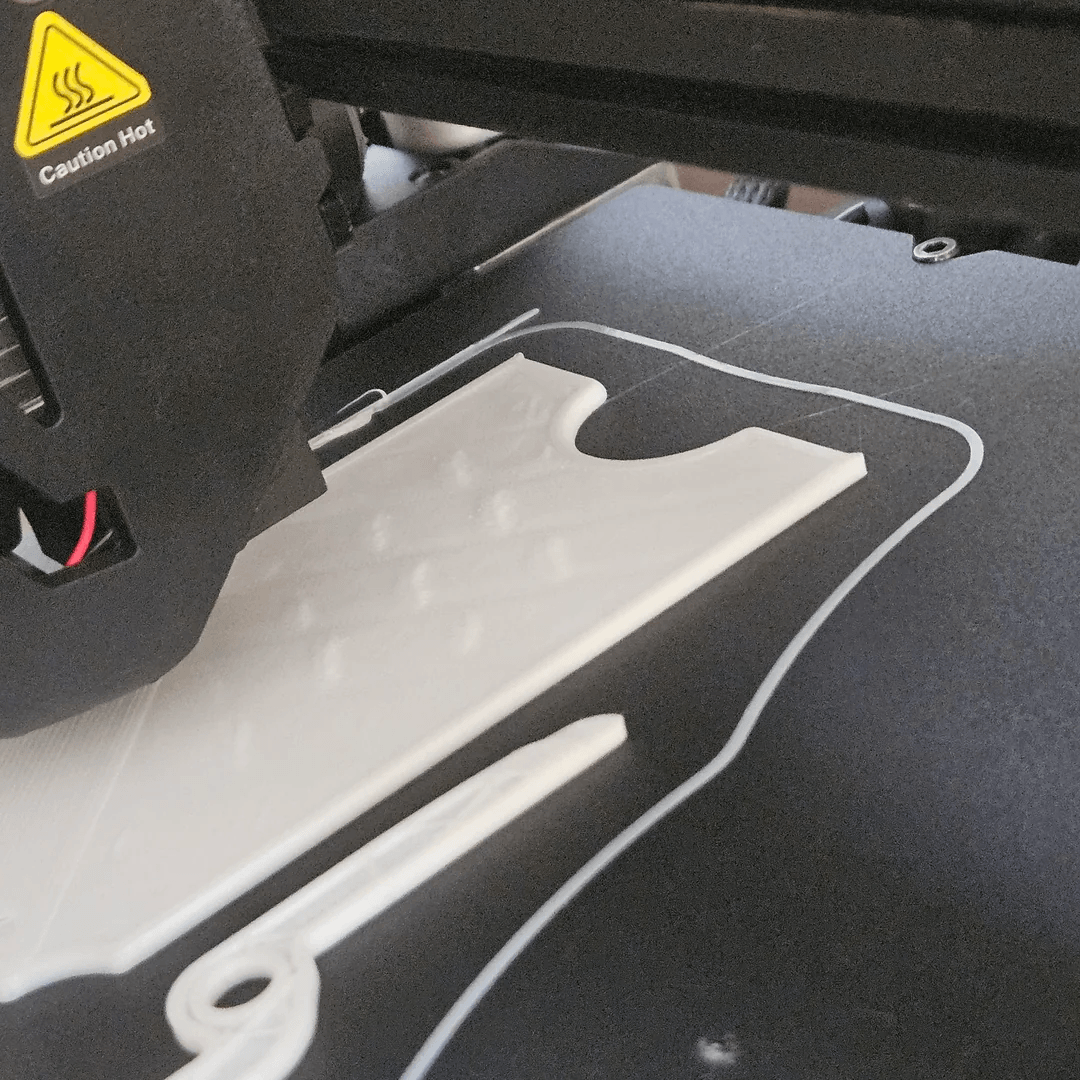
As a result, the surface became uneven.
Low infill density
Infill acts as the cover for the top layers. If the infill density is placed too low for example 5% or 10%, the distance between the infill lines will be huge. At this point, the printer was forced to bypass the bridge over long distances with only a hot plastic fiber.
The wider the gap, the more likely the hammocks fall or break before touching the other side, completely destabilizing the top layers.
The temperature is too high.
If the precipitation temperature was higher than necessary, the plastic fiber would become too soft and flowable. This may help to make the layers more sticky, but at the same time make the top layer vulnerable to a hammock before it is frozen. Reduced temperatures often improve surface stability.
Pillowing Correction in 3D Printing
Luckily, the pillowing is often quite easy to fix with just a few adjustments. Try the following solutions if you see that the upper surface is irregular.
Increase Top Layer
More top classes are often the most effective. More layers will create thicker surfaces, which will completely cover the infill structure below. With most of the print, 46 top layers will give smooth and solid surfaces.
Increase infill density
If the infill density is too low, slight increases can improve the support for the upper layers.
You don't need to increase too much. A minor adjustment would have worked. With multiple prints, the 1525% infill level is a good balance between durability and the amount of materials used.
Colding improvements
Good cooling helps the plastic freeze quickly after being out. Make sure the cooling fan works normally and runs at the proper speed. Stronger cooling often improves surface quality.
Reduce print temperature
If the plastic fiber looks too soft or shadowy, it may be too high at the tip temperature. Try to reduce 510°C and check if surface quality improves.
Reduce Top Layer Printing Speed
Printing the upper layers a little slower will help the plastic stabilize and create cleaner print. Some slicer software allows the installation of the individual speed for the top layer, making the surface smoother.
Best slicer setting to avoid pillowing
Adjusting the slicer installation is one of the most effective ways to remove the pillowing. The following parameters may help improve surface quality.
Settings | Suggested Values | Reasons |
|---|---|---|
Top Layers | 46 Layers | Be sure enough thickness to cover infill |
Infill Density | 15–25% | Increase internal support for the top layer |
Print Speed | 4060 mm/s | Emphasis improvements in surface copper |
Cooling Fan | 80–100% | Keep the plastic frozen fast |
Nodia Temperature | Lighten if necessary | Convenient plastic restrictions |
Pillowing compared to other common surface errors
Not all rough surface problems are pillowing. Some print errors may look the same but the cause differs. The following table helps distinguish them.
Error | Show | Main Cause | Typical Remedy |
|---|---|---|---|
Pillowing | Stubborn, rough upper layer | Infill weak or cooled | Increase top layer and infill density |
Striking | The thin pull between the details | The leak when moving the print head | Adjusting Installation |
Underextrusion | Publishing between print lines | The amount of plastic is not enough. | Check extrusion installation |
Overextrusion | The material, the surface expands. | Too much plastic storage | Reduction |
Common question on pillowing in 3D
Does the infill pattern affect the pillowing?
Yes. Some infill styles offer better support than others. The thicker pattern, the smaller distance often supports the more effective top layer.
Did Pillowing happen to all types of plastic?
Yes. Pillowing may occur with many materials if the installation is not optimum. However, strong cooling plastics are more likely to catch this error.
Is Pillowing an ordinary or inevitable error?
Nope. Pillowing is not an inevitable error. It only occurs when the upper layers are not properly supported or the print installation is not optimized. With the number of top classes enough, infill match, cooling well and the speed of rationality, you can absolutely stop the pillowing.
Final Conclusion
Pillowing in 3D may make a print as perfect as it looks incomplete, but it is usually very easy to overcome.
Just adjust a few slicer installations such as the top layer number, infill density, cooling and print speed, you can create 3D printings with smooth upper surfaces, clean and equal to the entire model.