Broken Hairline When In 3D: Cause of Processing
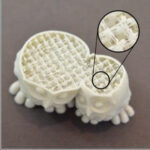
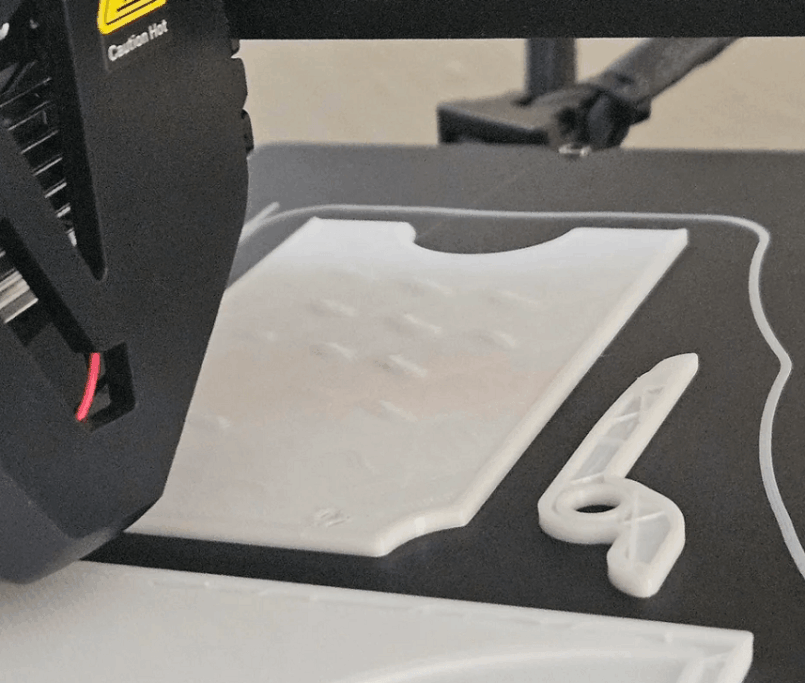
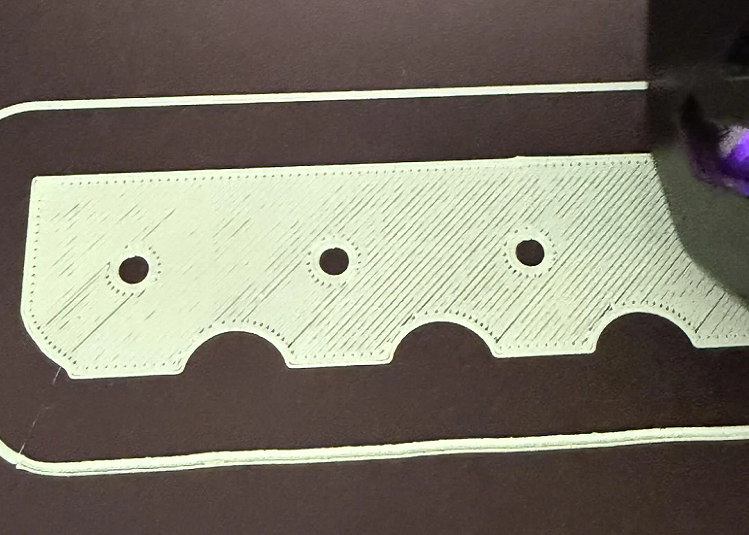
The broken hairline is one of the most common errors in using the 3D technology FD printer. When the incident occurred, the print head continued to move but no material was removed, causing the print to stop between and cannot continue. This error is not complex but if not handled properly will be repeated multiple times, interrupting production and waste of materials.
Understanding the cause properly and having the proper processing process will help the printer to function more stablely and extend its life span.
Dislament signature broken
When the hairline broke, the printer remained normal but no plastic came out of the spray. The print stops at a certain layer and the following layers are only non-loaded. If the pipeline test sees that filament is not continuous or that there is a passage inside, the possibility of high plastic fibers being cut in the middle of the road.
Cause of the broken hairline in 3D printer
There are many factors that lead to the dissolution of filament, of which the most common is the matter of materials and propulsion.
The first is that the filament is wetted due to a moist suction. As long as it is outside the air, the Bentley structure is reduced to durability, making the plastic fiber easily crack and breaks as it passes the extruder. This is the most common cause in the filament rolls that have been opened but are not preserved in a moist bag.
The second cause came from the pressure of extruder. If the spring squeezes too tight, the thrust gear will put pressure on the filament. When combined with high retraction installations of plastic pulls several times, the plastic fiber suffers constant thrust, resulting in physical fatigue and fractures. The condition is more common in the Bowden system as a result of long and high friction.
Also, the spraying block is important. When nozard is suffocated due to unsuited plastic or printing temperatures, filament cannot go down hotend. Extruder continued to push for the above compression pressure, which long made filament worn and broken.
Another cause of little attention is that the filament scroll is confused or cross-folded. When the plastic tractor is stuck, the increased tension force will cut the hairline just before extruder.
How to fix a broken hairline
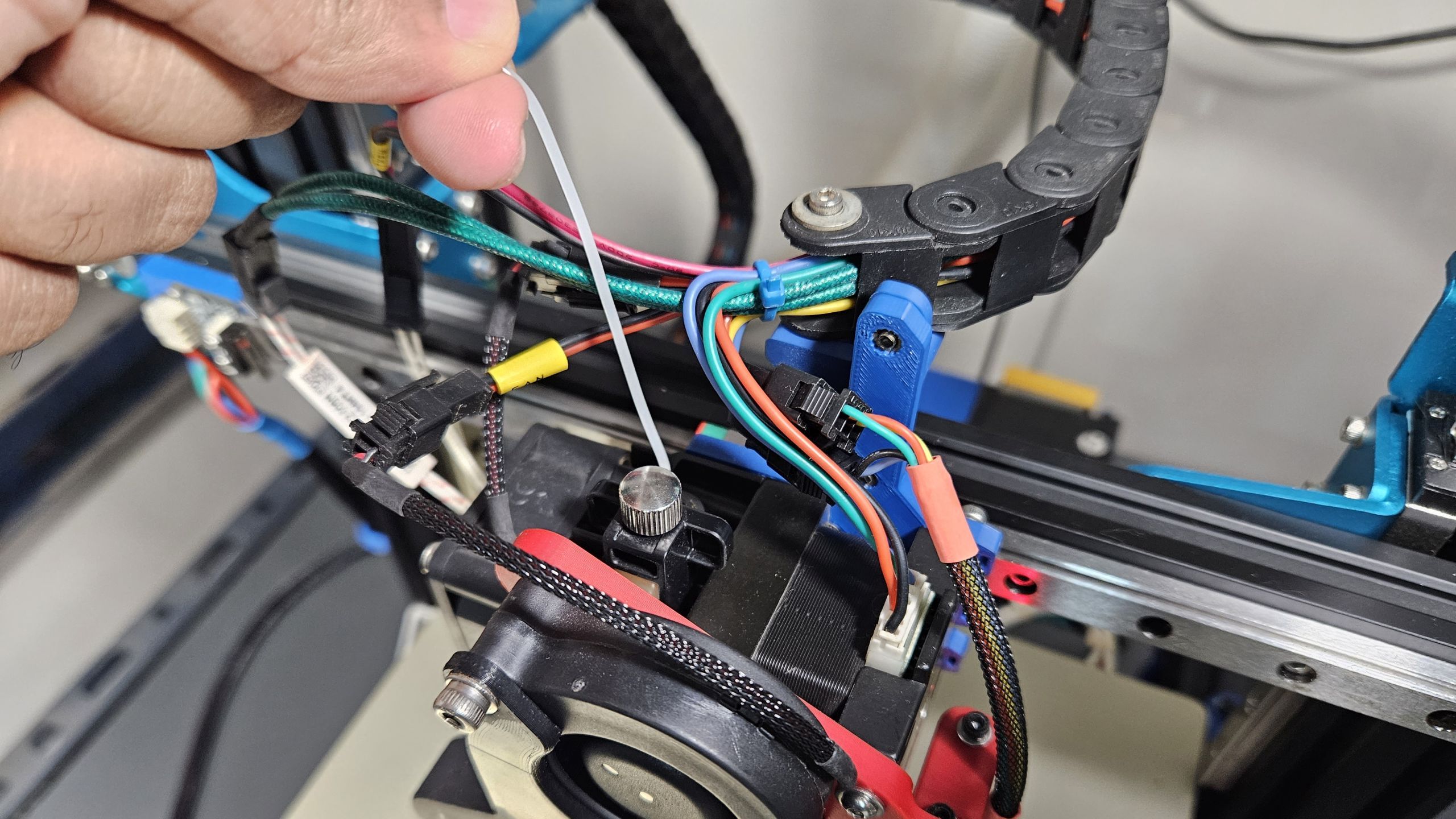
When an incident occurs, print stops and heats the head to normal print temperatures. Then withdraw filament from extruder. If the machine uses the Bowden tube, it should be removed from the PTFE tube to check if there is still a piece of plastic stuck inside.
In the case of the filament in hotend, it is possible to bring in a new plastic fiber and push lightly as the spray head is hot to push the rest out. Avoid the use of too much force as it can damage the thrust.
If the spray head suspects to be blocked, it is appropriate to clean nods in specialized metal or to apply the method of cold pull to remove accumulated plastics. After processing, reassembly filament and check the test process before reprinting.
At the same time, it is necessary to re-adjust the sufficient extruder pressure and optimize the retracity parameters in the slicer software to reduce pressure on plastic fiber.
How to avoid broken hair when printed 3D
To limit the state of filament to the maximum, it is good to preserve the materials in a sealed bag that has a moist absorbing package or a specialized drying box. Avoid to filament direct exposure to moist air for a long time.
In addition, it takes a routine test of the extruder system, hotend sanitation, and ensures the printing temperature matches each material. Before printing begins, the filament scroll should be checked to ensure that it is not confused or interlocked.
The broken hairline during the 3D printing process is not too complex, but it directly affects the quality of print and the performance of the machine. The cause is usually derived from moist-smoking filament, unsuited extruder pressure, installation of unopposed retraction or the condition of the spray head obstruction. When properly identified the origins of the incident and handled according to technical procedure, users are fully able to fix and restrict the recurrence.
The proper preservation of materials, the regular test of the Zombrex system and optimization of print parameters will help the 3D printing process to stabilize, reduce risks, and ensure long-term output quality.
If the business or individual is searching for a 3D printer solution, high quality printing material and deep technical support, please contact me immediately DETSA for detailed consultation. The engineering team is ready to co-operate from device selecting, optimizing the parameters to handling the actual incident, enabling the 3D printing system to operate effectively and consistently