Raft in In 3D What? Learning the Details From AZ
Bạn gặp tình trạng bản in bị biến dạng hoặc lớp đầu tiên không bám dính? Đây là những lỗi phổ biến trong in 3D và thường dẫn đến in thất bại. Raft có thể giúp khắc phục—đóng vai trò như một lớp đế tạm thời để tăng độ ổn định và độ bám với bàn in.
Hướng dẫn này sẽ giải thích raft là gì, khi nào nên sử dụng, cách thiết lập trong phần mềm slicer, cũng như cách xử lý các lỗi thường gặp—giúp bạn tạo ra các bản in ổn định và chất lượng cao hơn.
What is Raft in 3D print?
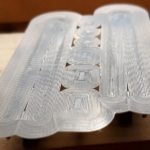
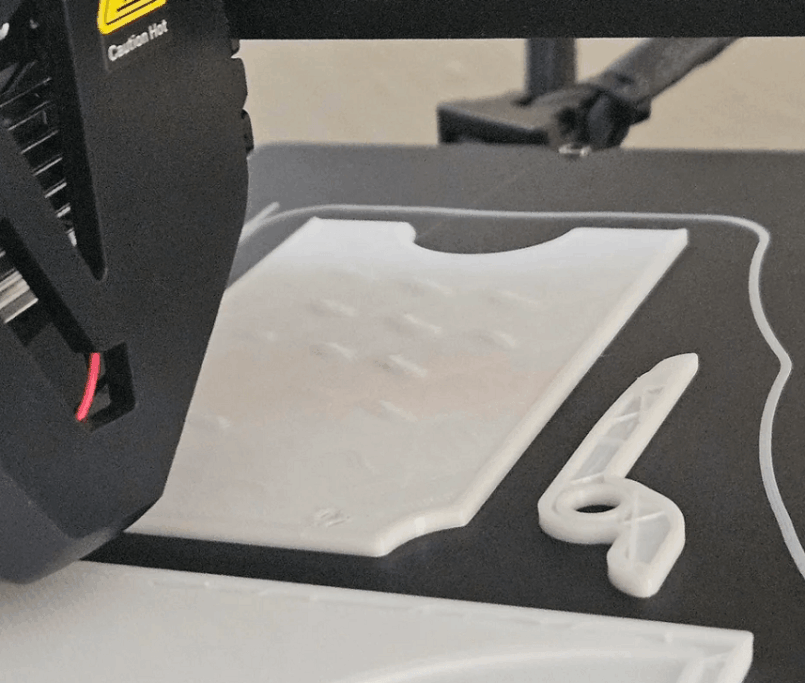
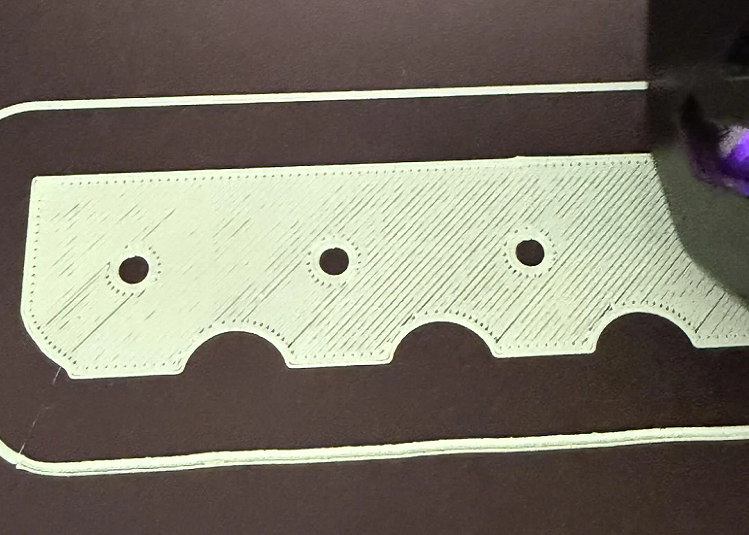
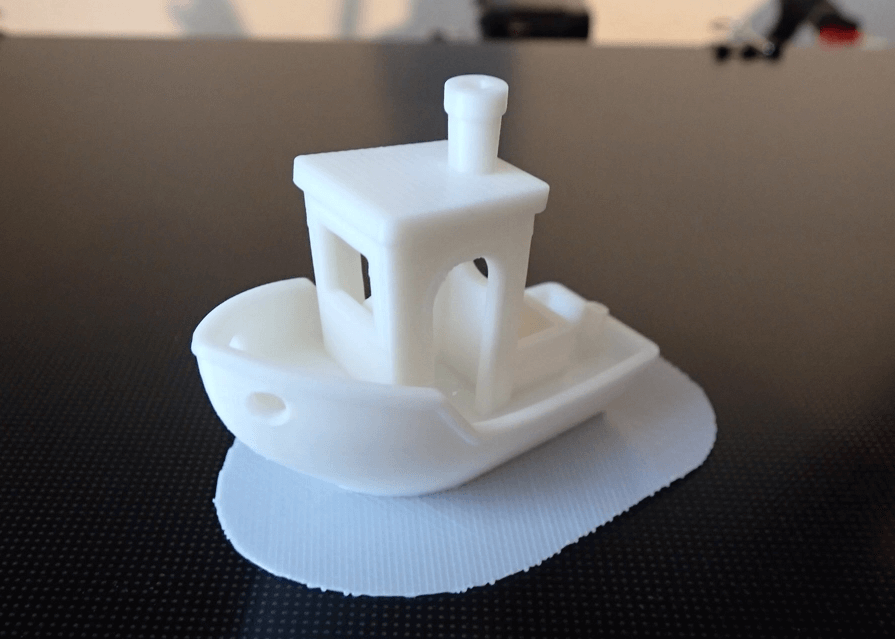
Raft trong in 3D là một lớp nhựa tạm thời (lớp “hy sinh”) được in trực tiếp lên bề mặt bàn in trước khi bắt đầu in vật thể chính. Lớp này đóng vai trò như một nền tảng ổn định, giúp tăng độ bám dính của lớp đầu tiên và hạn chế cong vênh hoặc lỗi in—đặc biệt khi sử dụng các vật liệu khó như ABS.
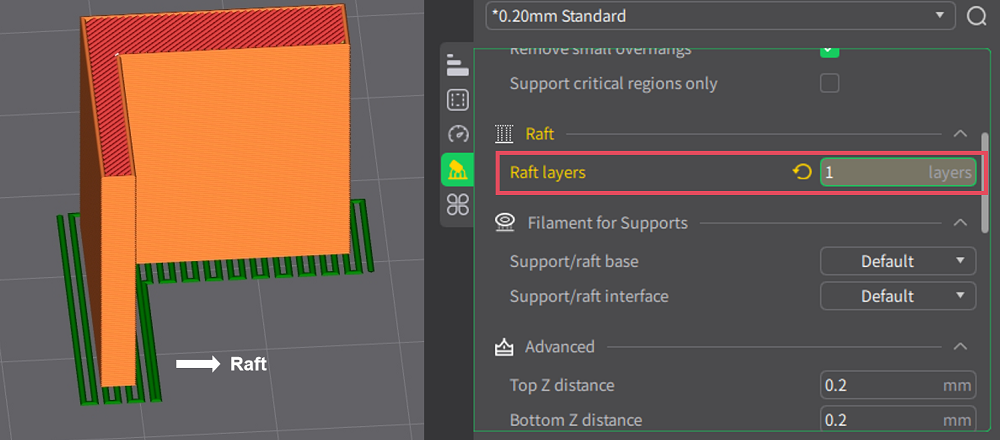
Raft is often made up of layers, including:
- Base Layer Dáy and slowly printed to hold onto the print table
- Middle Layer Increase hardness and height
- Layer on Top Layer Soft surface to print live model
Raft is generally printed in the grid form or interlocked structure, which helps separate the model from the print table, from which increases stability and controlability during the printing process.
Raft Types in 3D Printing
Although most slicer software has the defaultft installation, there are some variations according to the need for:
| Raft Type | Description |
|---|---|
| Full Full Full Raft | Raft multiple standard layers, bringing maximum stability and paddling |
| Thin Raft Raft thin | Less layered, faster print, easier to remove but less likely to support |
| Custom/President Raft Raft Custom/highLock | Allow users to set their own parameters in slicer software such as Cura or PrussaSlicer distance, offset, etc. |
| ZigZag Raft Raft as Wikinews | Sử dụng ít vật liệu với cấu trúc zig-zag — phù hợp cho các bản in cần tháo nhanh |
Why use Raft in 3D printing?
Raft in 3D printing is not only a simple buffer layer but also a technical tool that helps solve many common problems during printing.
Increase Printering
Raft giúp bản in bám chắc hơn vào bề mặt bàn in—đặc biệt với các vật liệu khó in như ABS hoặc khi bề mặt bàn in không đủ độ bám. Nhựa sẽ bám tốt hơn lên nhựa, và đó chính là vai trò của raft.
Reduce curves and contractions
Raft forms a buffer between the hot table and the model, which helps the layers cooler. This restricts the curved or contracting phenomenon, especially with materials tending to contract when cold.
Good support for small or thin details
With the models with small range of exposure, fragmented or broken details, theft provides solid platforms, which help to avoid shaking or dislocating from the print table during the printing process.
Non-Palmic Printing
Raft có thể bù trừ cho những bề mặt bàn in hơi trầy xước hoặc không hoàn toàn bằng phẳng, giúp mô hình có điểm bắt đầu ổn định hơn—even khi bàn in chưa hoàn hảo.
The bottom surface is smoother
Since the model is printed on the raft layer, the table's defects such as rough surface or elephant's foot will not affect the bottom part of the product.
When and Not to Use Raft in 3D Printing
If you don't know when to use aft, below are common cases for reference:
When to Use Raft
Although raft is not always necessary, it will be very helpful in the following scenarios:
With material difficult to print
Raft phù hợp với các vật liệu dễ cong vênh như ABS, ASA và Nylon—những vật liệu cần hỗ trợ thêm về nhiệt và độ bám.
With complex shape
Use aft when:
- The model has a small range of exposure, easy to break off from the print table
- There are small, tall, or narrow details to increase stability.
- The large bottom surface is easily disfigured due to thermal contractions
- Complicated Design requires first layer stability
When the printing table isn't perfect
If the print table surface is slightly curved or scratched, raft can help create a flater surface to begin printing.
When Other Adhesive Methods Do Not Work
If glue, tape, or brim do not solve the problem of sticking, raft is the next option to try.
When You Need a Better Bottom
Raft giúp “hấp thụ” các lỗi bề mặt, tạo ra lớp đáy mịn và sạch hơn—phù hợp với các sản phẩm yêu cầu tính thẩm mỹ cao.
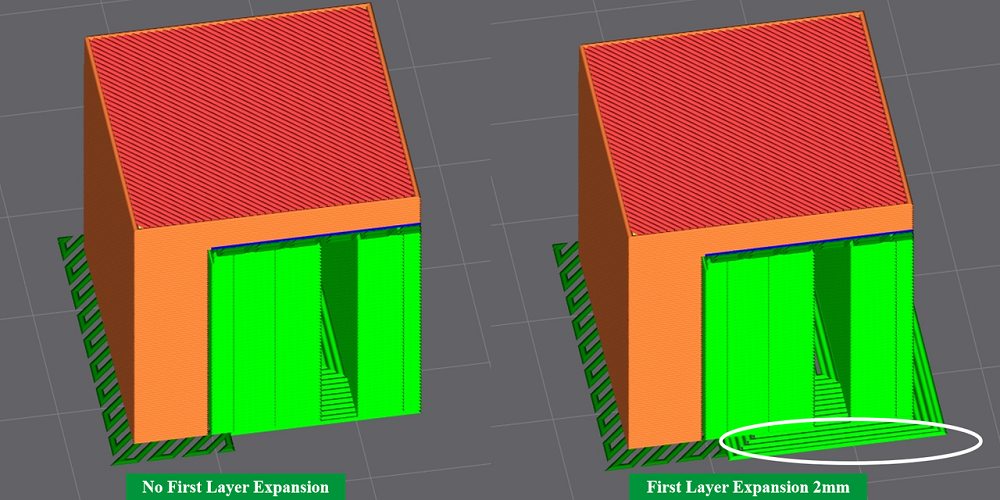
When not to use Raft
In some cases, the use of aft is unnecessary, even time - consuming and material:
With easily printed materials
Materials such as the PLA or PETG, especially when the table is clean and well adjusted, usually hold very well without the jack.
When You Want to Save Time and Materials
Raft increases the number of printing classes and the amount of filament consumption. If you need to optimize costs or print a high number, it should be limited to use.
When Requesting a Beautiful Bottom
Raft can leave a mark after removing. If the product needs a smooth bottom and other sticky grip methods are good enough, it should not be used toft.
When brim is enough
With flat bottoms and moderate contact areas, the brim can increase the grip with less cost of materials and easier to process.
When the model is large, stable
If the print has a wide and flat bottom, it is usually not required to add aft to support.
Extra Raft in Slicer
Most of the current slicer software supports extra output for the print. Here's an example. Creality Print:
Step 1: Opens Creality Print on your computer and enters the installation area next to the print table build plate.
Step 2: Select Entry Support (10) Enable Support to activate support options.
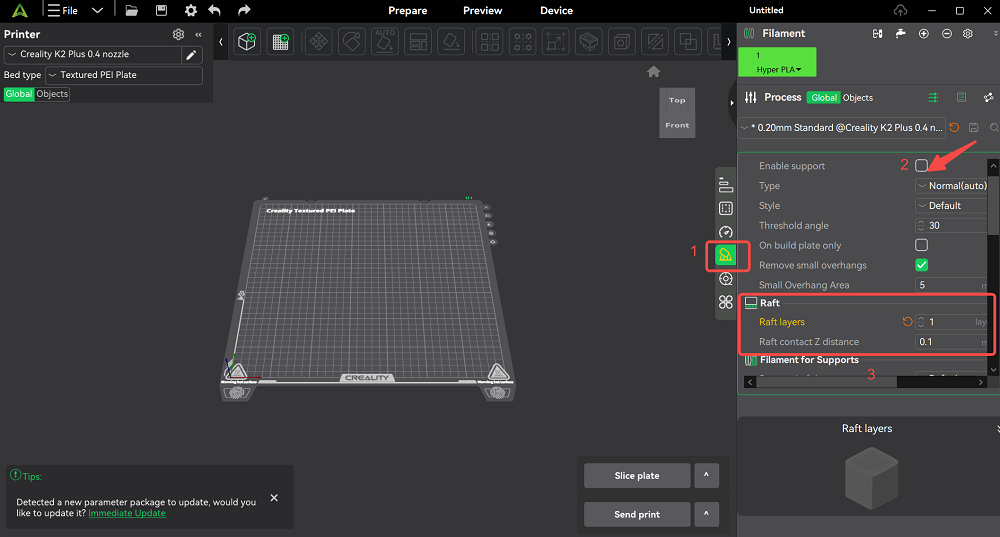
Step 3: Access Entry Raft and adjust the number of class rafts or the range of contact with Raft Contact Z Ditsex.
Common errors with Raft how to fix
Although properly used, the raft can still cause some problems. Below are common errors and methods of processing:
Raft is too attached to the model
If the layer separation is too small or has excess of the material, the output will be very attached to the print.
Remediation:
- Tăng khoảng cách tách (separation distance): khoảng ~0.4mm
- Check the flow output: re-adjusting the amount of 0%
- Note the material:
- With PLA: Down or off table heat after first layer
- With ABS: To cool completely before removing
- Stripion: Use thin razors, lightweight split from the edge
The print does not cling to Raft
The cause may be that the gap is too large, the high speed or upper layer of the raft is not sufficient.
Remediation:
- Giảm khoảng cách tách: khoảng ~0.1mm
- Reduces print speeds to top-out top layer output
- Increase the upper layer of the raft: use 23 layers to create better grip surfaces
Raft broken off the print table
This error is usually due to poor print table(s) or the base layer is not good enough.
Remediation:
- Calibrate the Printing Table
- Table temperature adjustment:
- PLA: ~50–60°C
- ABS: ~90–100°C
- Print table toilet: Wash alcohol or light soap
- Use sticky support: glue, hair spray
- Print the slow and thick enough base of the base
- Use closed chamber enclosure to avoid wind and reduce curve
Total
Although often misunderstood, raft in 3D print is an effective solution to the two common problems of FDM technology: Bad paddling và Curved phenomena.
However, the output should not be used as a default setting. Use when you really need and adjust the parameters as the class separation distance to achieve the optimal effect.
If you are looking for a 3D print quality solution, from digital settings to appropriate equipment options, the team DESTA ready to support you.
We provide 3D printer lines, 3D scanners and technical solutions that help you improve accuracy, stability and print performance in practice.
Contacts DETSA to be consulted and experienced 3D printing solutions that suit your needs.