3D Printing Error: Cause of the In-State Face Implementing Effects
Dry 3d printing surfaces often appear extensively during 3D printing. CScope is one of the key factors that determines the aesthetics and accuracy of the product. Many users, however, face the situation 3D printing surfaces are dried, walrus or not smooth, especially when printing with FDM/FFF technology.
The dry surface error not only reduces the aesthetic value of print details but can also affect Mechanical durability, assembleability and precision sizeYeah. For technical applications, reverse design or product modeling, this is an error that needs to be fully controlled and corrected.
This article will analyze expression, common cause and optimum solutions Helps improve the 3D print surface, towards more stable and professional quality.
The expression of a 3D print error is dry surfaced
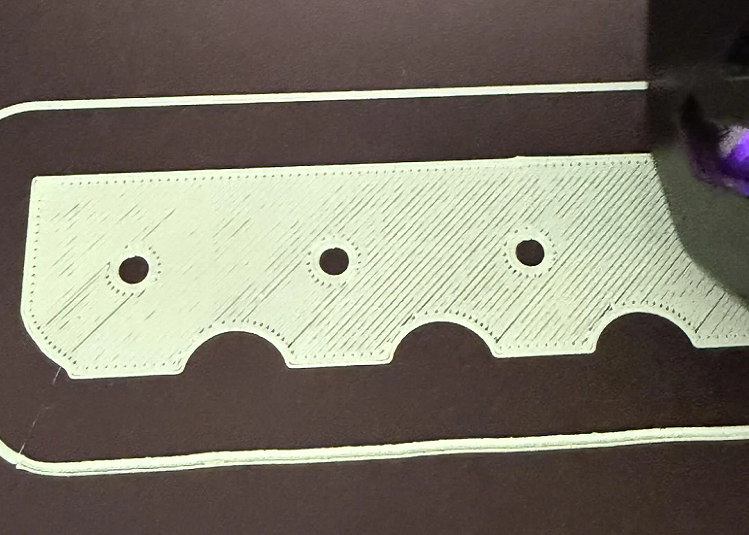
Dry surface error can easily be identified by the naked eye or when touched directly by print products. Some common expressions include:
The product surface Wrestling, GineNot smooth.
Layers in Layers no smooth linkClear line
Export tiny holeThe surface.
The surface has feelings Dry, crisplack of pulse
Indigenous colors, the surface lacks shade
The situation is more common in outer wall class, curved details or areas with complex geometry changes.
Causes of the 3D printing surface to dry up
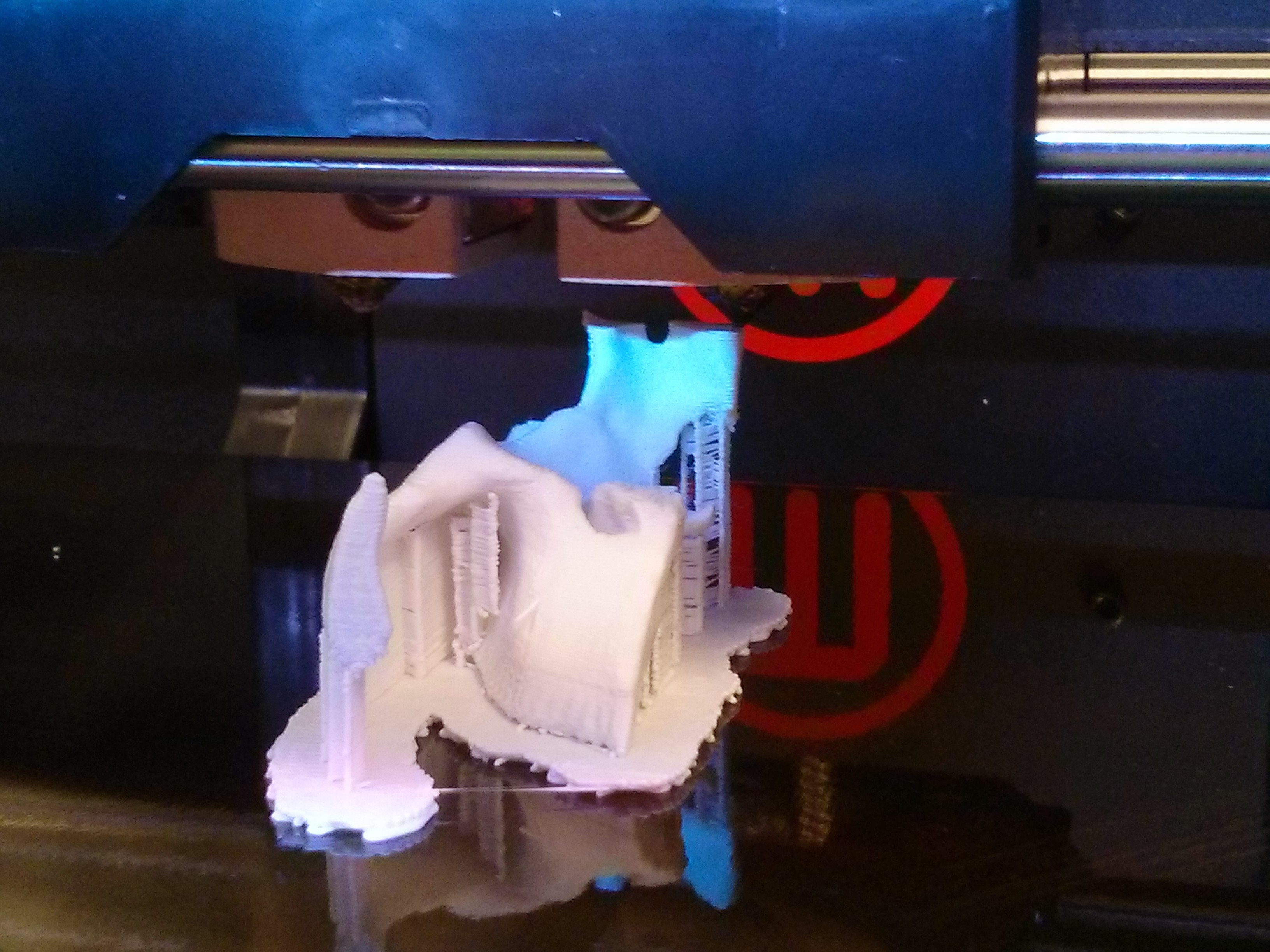
The first temperature is inappropriate.
The precipitation temperature is nostalgia stampature as a decisive role to the point of flowing the material.
The temperature is too low.: The plastic is not completely melted, the plastic flow is irregular, which leads to rough surfaces
The temperature is too high.: The plastic is slightly burned, too thin, causing the surface to be ugly and lose details
Every genre of filament PLA, ABS, PETG, TPU... is available. Private optimum temperature stripIf you don't make the right adjustments, it's very easy to make surface mistakes.
Printing speed too fast
High speed print for:
We can't melt before we get out.
Classes don't have enough time to stick together
The surface becomes dry, lack of smoothness
In particular, high speed at outer wall It is often the main cause of the product's surface loss.
Filament is wet or poor quality.
Filament is a very common but often ignored cause.
The moisture when printed will create Sorry.
The plastic flow is unstable.
Print surface appearances https://www.vs and dryness
In addition, the unquality filament also makes the plastic flow unstable.
Layer Height height not optimized
Layer height is too high (10) rough surface, visible layers
Layer height is too low but the machine is not well modified
Selecting the class height does not fit with norms and print purposes also directly affect the smoothness of the surface.
The Cooling fan cooling system is not reasonable
The refrigeration is too strong to make:
It's cold too fast before we can connect.
The exterior surface is dry and lacking shade
On the other hand, cool cooling causes waning and disfigured. The Arriflow equilibrium is a very important factor.
"Nodal spray head is worn out" or light jam
No Gómez after long time can:
Throved, especially when printing carbon fiberd material, fiberglass
Burned by plastics
This makes the plastic line too circular, causing the surface to be ugly and dry.
Flow rate and extrusion have not been modified
Flow is too low (10 lack of plastic, angular surface)
Flow is too tall.
Unregistered extrusion multiplier precisely will make surface quality significantly reduced.
The 3D print error remedy makes the surface dry
To improve the printing surface 3D is dry, adjustments are needed At the same time, many technical elementsinstead of just changing a single parameter.
Adjust the spraying temperature that matches the material
Check the recommended temperature band of filament PLA, ABS, PETG, TPU...
If the temperature is too low, the plastic won't flow at all.
Increase or reduce the temperature step by step 5°C to find the optimum
Print stampature tower to specify the temperature for the smoothest surface
 Examples: PLA generally gives smoother surfaces in intervals 190210°C It's plastic.
Reduce print speed, especially outer Wall class
Reduce speed outer wall Compared to inner wall
Low speeds make plastics better and connect between smoother layers
Priorize surface quality instead of fast print speed
Suggests: Outer wall should print slower 20–40% Compared to total speed.
Dry dry filament before printing
Filament absorbs moisture as a common cause of dry surfaces and amphetamines
Use the special filament dryer or dryer
Preservation of filament in the closed-box has a moist suction bag after drying
Note: Even the PLA can absorb moisture if the preservation is improper.
Advanced Layer Height
Do not select layer too high if you need smooth surfaces
Layer height should be within range 255% in diameter
With no ‹0.4 mm, the common layer is 0.0 mm
High aesthetic requirements product can decrease layer 0.120.16 mm
Adjusting Cooling Fan Cooling cooling system
Avoid letting the fan cool so hard that the plastic cools too fast
Reduce fan speed in the outer layer if the surface is dry
Each material needs a different cooling level. PLA needs more fans than ABS.
Note: Unreasonably cooling may cause the printing class to lack links.
Check and clean the head of the spray
Neats are scheduled to remove burned, dirty plastic
Replace nod if worn out or slightly blocked
With carbon-based materials, glass fiber, should use no hardbound steel
Edit the plastic flow Flow Rate / Extrusion
Flow is too low (10 lack of plastic, angular and dry surface)
Flow is too tall.
In test cube to edit extrusion multipilier accuracy
Suggests: Edit flow small steps 1–2%.
Common question about dry 3D surface error
Is dry printing surfaces caused by poor plastic quality?
Not entirely, but filament is poor or moist is the common cause.
Does reducing print speed make the surface smoother?
Yes, especially outside class speed.
Need a change?
Instead, it is worn out or printed long - term technical materials.
Error 3D printing surface is dried up If you understand the cause and correct the parameters correctly. The optimization of temperature, speed, materials, and cooling systems not only helps improve aesthetics but also enhances the technical quality of the 3D print product. If you're experiencing 3D quality problems or you need to advise the optimal solution of equipment, materials and 3D printing processes, please contact DETSA to be heavily supported and in accordance with real needs.