What is it? The Cause of the Revival Effects
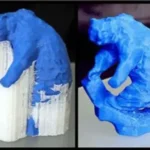
In 3D technology FDM/FFF, product quality depends not only on geometric accuracy but also on Print Layer coherenceYeah. One of the most common and influential errors to this degree of sustainability is 3D print class separation.
Class separation error not only makes the model lose aesthetics but also causes the product It's easily broken, broken, or broken., in particular with the details of the force or the height. Understanding the nature, cause, and treatment of layer error is a vital factor in maintaining 3D printing quality.
8 Common Causes of Class Separation When Printing 3D and Processing
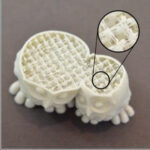
Icons print class separation 3D layer separation / delamination Happens when layers of material are not closely linked, making the product easily broken to the horizontal. The main reason is that set unopposed print parametersthe environmental conditions are unstable or the quality of the material is uncertain. The following are the eight most common causes and the effective remedy.
1. The temperature is too low.
The spraying head is tasked with completely melting plastic fiber before the output. When the temperatures are lower than recommended, plastic has not yet reached the level of plastic required, leading to the ability to bind between the layers seriously reduced.
Upon exiting the spray head won't be hot enough to mix the heat with the layer below, making the link between the floors become fragmented and easily broken.
Remediation:
Increase print head temperature 510°C Compared to the original setting and tracking the stability of the plastic line. The right temperature makes the plastic better percolation into the previous layer, creating the intangular and solid structure.
2. Print speed too high
When the printing speed is set too fast, the printing head moves constantly so that the plastic fiber does not have enough time to squeeze and cling to the old layer. This is especially easy in small, corner or curved surface details.
The unstable plastic line has been pulled to a new position, significantly reducing the cohesion between the layers.
Remediation:
Reduce print speed to intervals 4050 mm/sespecially when printing models requires high accuracy. The control of rational speeds helps the material to cool down and the bonds between the floors become more sustainable.
Three. The refrigeration is too strong.
The cooling protein has the role of helping the plastic freeze quickly to keep the shape, however if the wind is too strong will cause the new plastic layer to lose its sudden heat. The large temperature disparity between layers interferes with the heat bond process.
This is particularly dangerous with thermal sensitive materials such as ABS or PETG.
Remediation:
Reduce coolant fan capacity or turn off entirely in some printing stages, especially when printing ABS. Maintaining stable temperatures helps the plastic layers to bind better and restrict the layer separation.
Four. Layer height setting too large
Print class height directly affects the area of contact between the materials. When the layer height is too large compared to the nodal diameter, the plastic fiber is not pressed to the level but holds round form, reducing the link surface.
The small range of exposure causes the force to hold between the layers to weaken, resulting in a transverse crack.
Remediation:
Layer settings does not exceed 80% of the spray head diameterYeah. Lowering the class height helps the plastic to squeeze more closely into the previous class, increasing the grip and significantly improved the mechanical strength of the print edition.
Five. Printing Table Temperatures Not Enough
Although the printing table mainly affects the first class, the heat output from the print table plays a significant role in maintaining thermal stability for the entire model. When the table temperature is too low, the upper plastic layers will contract rapidly, producing large drag-off performances that cause layer separation.
Remediation:
Increase the print table temperature according to the recommendation of each type of material to keep the plastic layers in a longer plastic state. This reduces irregular contracting and prevents the fissure from bottom to stem.
Six. Unqualityd or moist print materials
The 3D print is easy to absorb from the air. When the plastic is wet, the steam insides will vaporize as it passes through the tip of the spray, creating foams and empty spaces in the natto flow.
These gaps reduce the contact area between layers, causing the material bond to become weak and easily dissolutiond.
Remediation:
Dry roll plastic before printing at proper temperature in 46 HoursYeah. At the same time, maintaining the materials in the closed-box have moistly absorbing seeds to ensure that the plastic quality remains stable.
Seven. In ABS or PETG but without encolosure
ABS and PETG are very sensitive to environmental temperature change. When printing in open space, winds from fans, air conditioning, or windows can make the model irregular, leading to local collapsation and separation of layers.
Remediation:
Use Enclosure block the printer to keep environmental temperatures stable throughout the printing process. Encolosure helps reduce thermal drainage, restrict internal performance and ensure that the layers of copper cold.
Eight. Flow rate unstable
Flow rate is inaccurate so that the amount of plastic is not equal, when there is no surplus. When the plastic does not fill the gaps between the layers, the print structure will appear to be weak and vulnerable to separation.
Remediation:
Edit parameters Extrusion Multiplier / Flow in the slicing software to ensure the plastic flow is stable. The bronze line helps to completely fill the gaps and increase the bond strength between the layers.
How to fix a 3D print layer separation effect and sustainability
In order to make a complete process of separation of the 3D class delamination, users need to coordinate the middle time contract set reasonable print parameters, Heat control và secure material qualityYeah. The core goal is to extend the melting state of plastic and increase the ability to connect between the printing floors.
Adjust the norm temperature matching each type of material
Thermal temperature determines the direct capacity for melting and attached plastic fibers. When a layer separation occurs, increased temperature from 510°C are often particularly effective by improving the thinness and percolation of the material.
| Vật liệu | The temperature is nominee. C | Effective |
|---|---|---|
| PLA | 210 – 225 | Increase grip and surface shadow |
| ABS | 240 – 260 | Reduction and separation of layers |
| PETG | 235 – 250 | Improve mechanics link |
Note not to increase the temperature too high as it can cause the phenomenon to flow or reduce detailed accuracy.
Reduce print speed to increase sticky time
The speed of printing was too fast for the plastic to be hot and not pressed to the previous layer had moved to another location. Drop Printing Speed 3040 mm/s helps maintain the temperature stable at the print point, allowing better layering of plastic.
You should reduce overall speed first, then print test and observe the link between the layeres. Upon achieving the desired grip, the pace can gradually increase to optimize the print time.
Control the cooling fan in every type of plastic
The cooling protein has the role of holding the model form, however if misused will cause thermal shocks and reduce the link between layers.
With PLA: The fan should be reduced to about 50–70% PLA needs to cool down but should not let the wind blow too hard.
With ABS: Need off completely cooled fan ABS is very sensitive to sudden temperature change and is only stable when it cools naturally.
The control of the right wind helps to restrict collove and keep the structure in a cube.
Reduce print class height to increase contact area
The layer height affects so much that the plastic fiber is pressed. With no › 0.4 mm, you should put Layer height from 0.150.2 mm To make sure the plastic fiber is pressed, increase the area of contact between the floors.
The thinner the layer, the stronger the pressure, the stronger the plastic holds and reduces the risk of separation when the model is under pressure.
Lighter flow output to improve density
The amount of plastic is not enough to produce gaps between the layer. Increase flow word 2–5% helps offset the lack of materials and create better pressure.
Manufacturing:
Open software slicer Cura, PrussaSlicer... and find Flow or Extrusion Multiplier
Increase Current Value 3%, then in test
If there's still a leak, keep going, but don't get over it. 5% to avoid overextrusion
Print using a simple calibration sample that will enable you to accurately evaluate adjustments.
Use enclosure for ABS and PETG
Encolosure helps create a closed and stable thermal environment around the printing object. This is especially important for the ABS and PETG because the two types of plastics are easy to contract when they encounter cold winds.
Concrete printing allows the cold model to go inside out, reduce heat pressure and completely eliminate the risk of cracking the middle of the product stem.
Splicit properly before printing
Filament is wet is a silent but very common cause of separation. The steam in plastic interrupts the natto flow and creates the air hole between the layer.
Drying recommendation:
PLA: 45°C in 4 hours
ABS PETG: 65°C in 6 hours
Dry plastics enable the flow to stabilize, increase the grip and dramatically improve the mechanics of the print.
Check the knife runs in the slicer
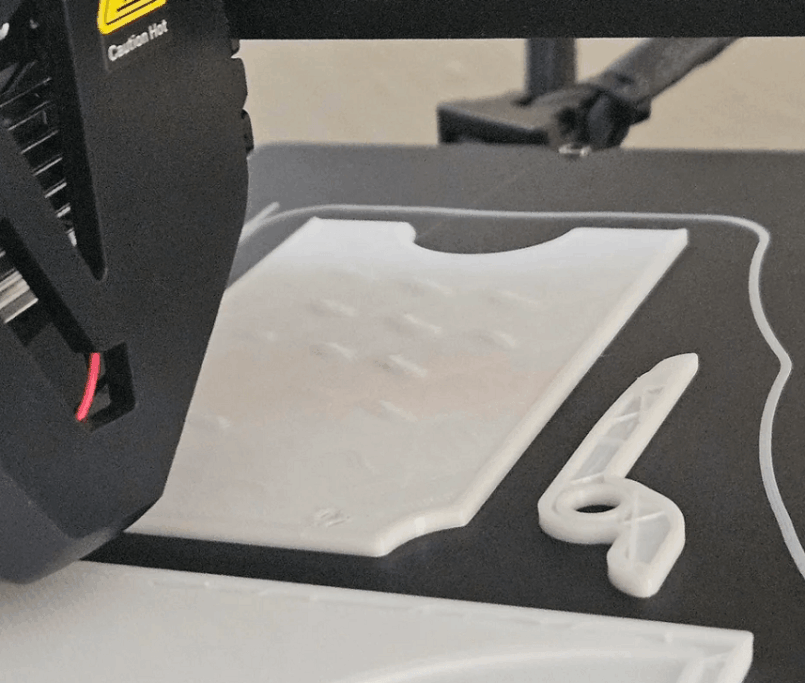
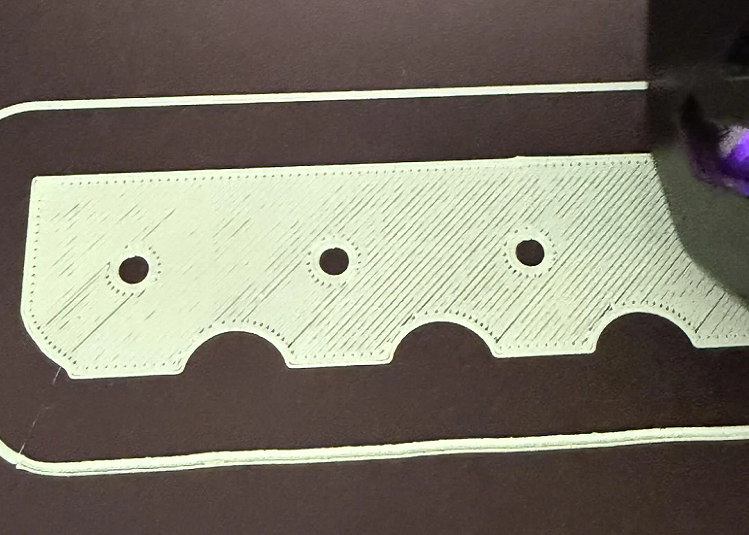
Finally, let's always preview the preview of the print line in the slicing software. The gaps between the inner city and the outer city or infill density may also be the cause of the separation.
To ensure that the stacking lines fill enough and form a unit will help the model reach maximum certainty.