Find out the Causes of the Face Under the In 3D Template Stake
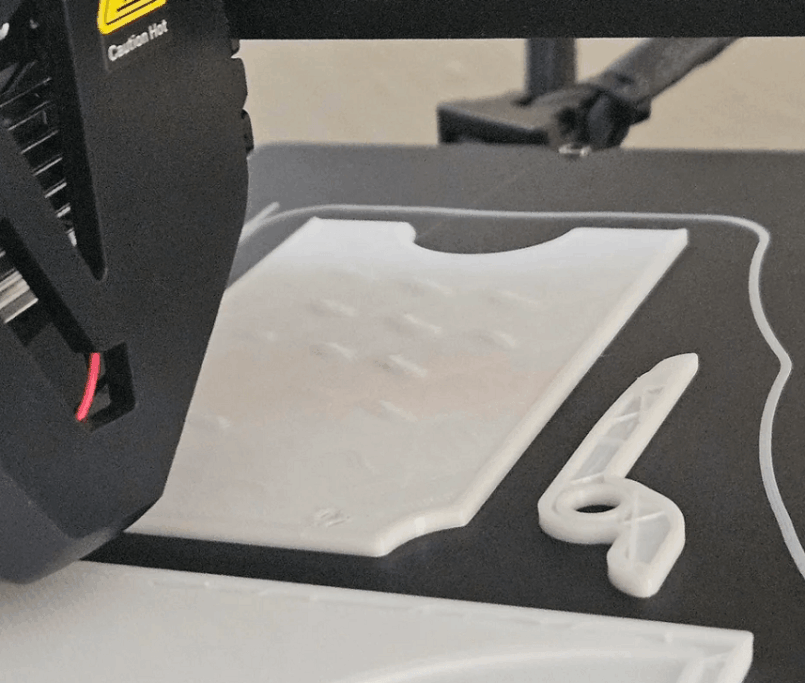
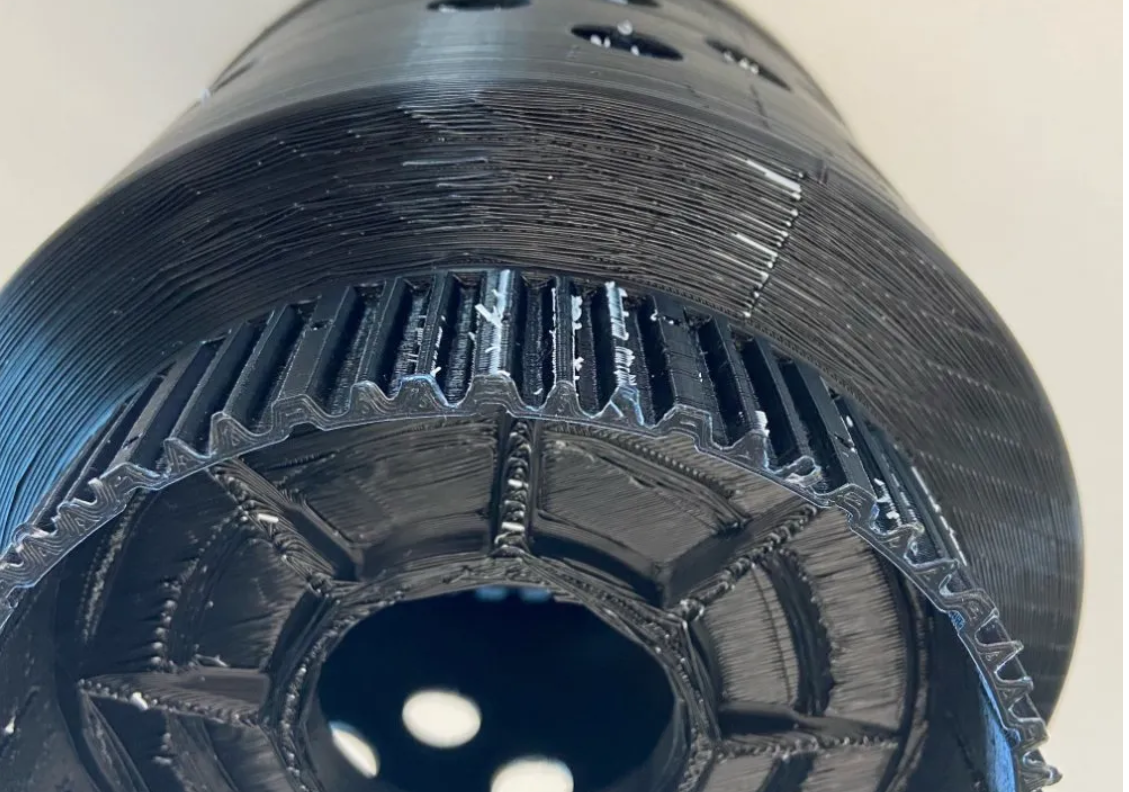
The lower surface of the 3d print sample is damaged is one of the most common errors in 3D FDM printing, especially when printing details that are partially exposed, north of the bridge or exposed to the sunport. This condition makes the base no longer smooth, appearing with light, light, or extra plastic molaria, reducing the aesthetics and accuracy of the product. With technical samples requiring high completion or precise assembly details, this error may directly affect the quality of use.
In this article, we will analyze the details of the reason that the sub-print surface has been damaged by GHMG and instructs how the print parameters are adjusted to the full improvement of this condition, helping the print to achieve more stable and professional quality.
What is the error on the lower surface of the 3D print sample?

In 3D FMD printing, the first class decided almost the entire stability and smoothness of the product. When the layer is not properly printed, the bottom surface of the model will appear as a small, light, or rippled phenomenon. This is the error. The lower 3D print sample surface is damaged which a lot of users meet.
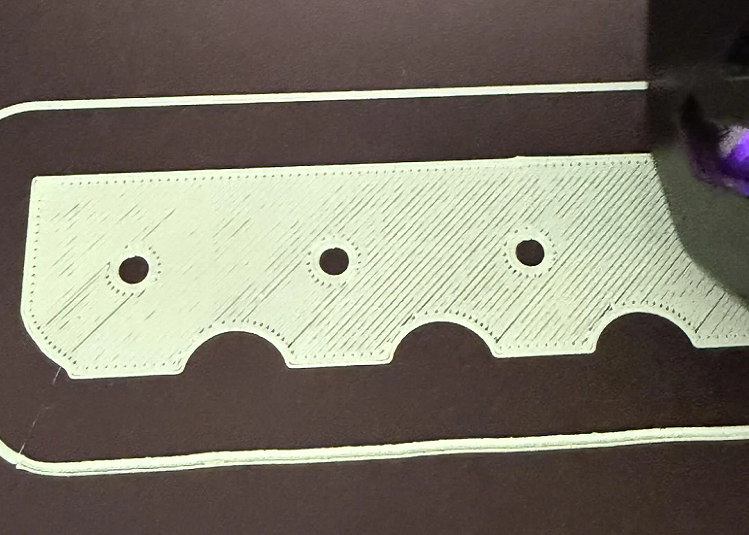
Observation will see that the plastic layer is completely non-subscripted, has different thick areas or appears to be non-subscripted plastic lines on the print table. When touched, it was not smooth and lack of the necessary flatness. This not only affects aesthetics but also makes it difficult to assemble or process post-subscription such as coating, smoothing.
Causes of the sub-type 3D print surfaces to be damaged
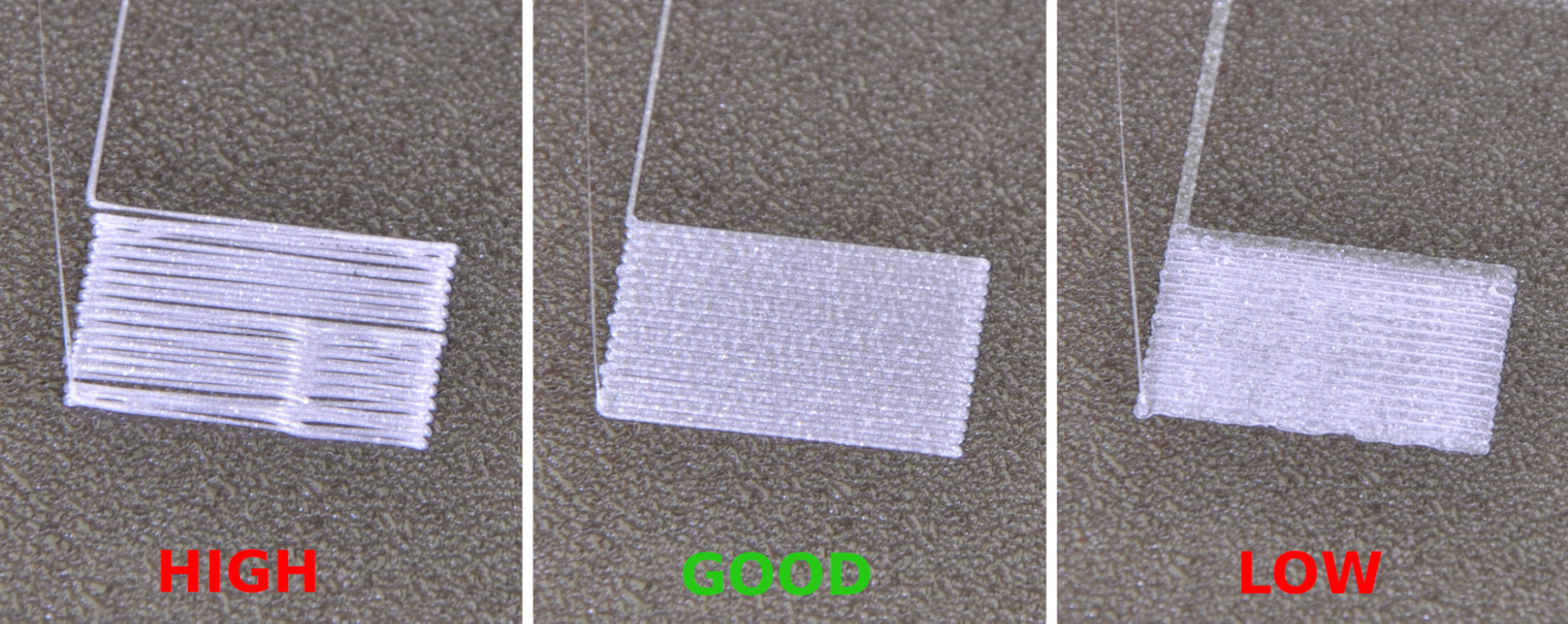
Most of the under-printed surfaces of 3D are directly related to the first printing class and the conditions associated with the printing table.
The most common cause is Zoffset or inaccurate print table adjustment. When the printhead is too low, the plastic fiber is pressed too heavily to the surface, distorting the top layer structure and creating an uneven surface. On the other hand, if the print head is too high, the plastic is not strong enough to hold, there is a small gap that makes the base of the mollusk model light and lacking links.
Temperature is also a major impact factor. If the print table temperature is too low for the materials used, the plastic will cool down fast and contract irregularly, forming corrosions. In the meantime, temperatures too high can cause the plastic to be overly soft, causing the surface to destabilize.
The initial printing rate of the first class was too fast for the plastic to spread in time has been pulled along the print head movement. This creates homogenous plastic lines and smooth surfaces.
In addition, the table is dirty or abrasive, with grease from the user's hands, which also reduces the ability to communicate equally between plastic and surface, leading to the phenomenon of chrome.
A 3D under-printing surface remedy is effective
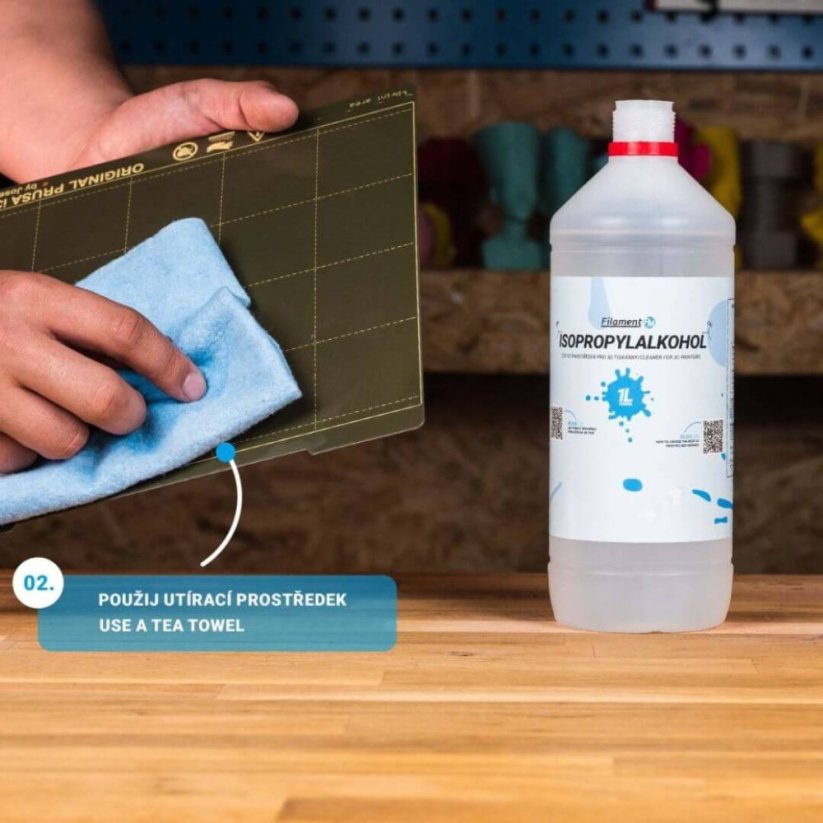
To deal fully with this error, the first need to clear the print table entirely with alcohol isorophyl or specialized solution. Clean surfaces help the first plastic layer to stick to the same and more stable.
Subsequently, re-evaluating the print head distance with the print table. The first layer of plastic ideally is that the layer is slightly pressed, slightly stylized but not overly distorted. When observed from the side, plastic fibers should have good exposure but still retain the structure.
In the slicer software, it should reduce first-class printing speed and lighten the print head temperature to make the plastic softer, more contagious. The logical first class height adjustment also contributes to improving the flatness of the base surface.
If necessary, a further PEI, 3D or specialized tape can be used to increase grips, especially when printing difficult materials such as ABS or PETG.
how to avoid sub-urlect surface errors when printing 3D
To avoid the surface status under the 3D print sample repeated by GHz, the first layer should be tested before each large print. In Test a small sample helps quickly assess the quality of the base and adjusts in time.
The maintenance of filament in dry environments is also important. Filament absorbs moisture that can produce small gas foam when the plastic cauldron, reducing the surface smoothness.
In addition, the maintenance of the printing press, testing the flatness of the printing table and the stability of the printhead cluster will help maintain the long-term quality of the print. When the first class is optimum, the whole model will achieve considerable higher completion.
Conclusion
The lower 3D print sample surface with chromium is common but is completely fixable if the correct first layer is correct. Calibration of Zoffset accuracy, control of the temperature, reduces first-class printing speed and ensures that the table is clean as key elements that improve the smoothness of the base surface.
When the printing process is standardised and well controlled, quality becomes more stable, reduce errors, and save materials.